
How to Create Amazon A+ Content in Minutes In-House (Without an Agency)
Picture this: your hottest new ASIN is live, reviews are trickling in, and competitors are nipping at your heels. But your Amazon A+ content is stuck in agency purgatory, delaying your conversion edge by weeks. Or worse, a customer pain point surfaces in feedback, demanding a quick catalog refresh—yet you're paralyzed by slow external workflows.
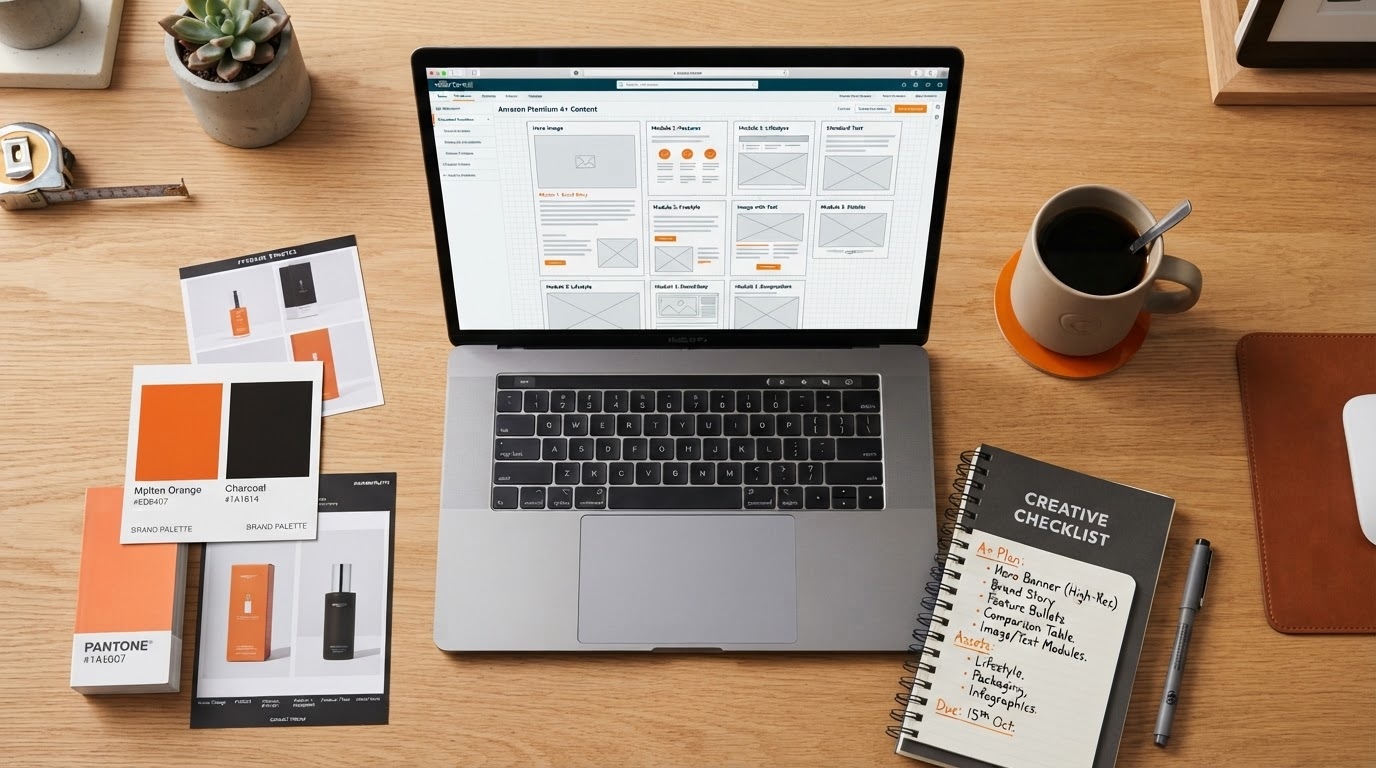
Speed isn't a luxury; it's your competitive moat. This guide delivers a repeatable, in-house workflow to create Amazon A+ content in minutes—from ASIN signals to export-ready Premium A+ content modules. No designers. No copywriters. Just you, armed with the Creative command center, forging high-impact Premium A+ content modules that launch fast and iterate faster. ASIN-to-A+ content workflow.
Why In-House Speed Wins
Agencies excel at polish, but they throttle your velocity. In-house control slashes time-to-market from days to minutes, letting you sync A+ content updates with launches, promotions, or review insights. Maintain ironclad brand consistency—no more mismatched tones or visuals diluting your molten-glow identity.
Respond nimbly to shopper signals: a viral review highlighting texture? Swap in a lifestyle module overnight. Competitor price drop? Counter with a specs showdown. This workflow empowers Brand Registry sellers and FBA owners to own their Brand Registry A+ content, turning Amazon into your canvas, not a bottleneck.
What You Need Before You Forge a Draft
Prep is 80% of speed. Gather these essentials in under 5 minutes:
ASIN: Your target listing (this powers ASIN to A+ content magic).
Live title and bullets: Pull verbatim for voice alignment.
Images: 5-7 high-res product shots, lifestyle pics.
5-10 reviews: Recent 4-5 stars for benefits; flag objections.
Competitor ASINs: 2-3 top rivals for subtle inspiration.
Lightweight brand kit: Core color (#ED6407 molten-glow), typography (e.g., sans-serif bold), tone (confident, approachable).
Upload to the Amazon A+ content generator—and you're primed.
The 7-Step Workflow to Amazon A+ Content in Minutes
Execute this in the Creative command center for a full AI Amazon A+ content stack. Total time: 15-20 minutes.
Pull real listing signals: Feed ASIN, reviews, competitors. AI extracts objections, benefits, hooks.
Map shopper objections to module jobs: Pain like "too bulky"? Assign to comparison module.
Lock a lightweight brand kit: Apply molten-glow accents, custom fonts, tone.
Forge a draft of the full 7-module Premium A+ content stack: Hero to brand close, auto-generated and tailored.
Compliance desk check: Scan for 12 compliance rules—flag superlatives, claims, direct comparisons.
Desktop vs mobile visual review: Preview stack; tweak for scroll-friendly flow.
Export-ready handoff and manual rebuild: Download assets. Review before you upload—then manually assemble in A+ Content Manager. Amazon submission stays manual for control.
Module Job Checklist: Purpose for Each Premium A+ content Module
Assign jobs precisely to maximize scroll depth:
Hero: Stop-scroll visual + elevator-pitch benefit.
Benefits: 4-5 proof points from reviews/bullets.
Comparison: Side-by-side vs generic (no naming rivals).
Specs: Table of dimensions, materials—objection-killers.
Lifestyle: Imagery evoking use cases.
FAQ: Top 3-5 review questions answered.
Brand close: Story tie-in, CTA to cart.
This stack converts browsers to buyers, module by module.
Common In-House Mistakes to Avoid
Skipping compliance desk: Leads to rejections.
Ignoring mobile preview: Desktop dazzle flops on phones.
Overloading modules: Keep text lean, visuals dominant.
Forgetting Review before you upload: AI drafts need your final eye.
No iteration loop: Test live performance, refine next ASIN.
Frequently Asked Questions
How long does this really take?
15-20 minutes per ASIN for pros; 30 for first-timers. Scales with practice.
Is A+ content harder to comply with than Basic?
Modules add scrutiny, but the compliance desk catches issues upfront.
Do I need Brand Registry?
Yes—for all A+ content access.
Why manual upload?
Amazon requires it; we export flawless assets for seamless rebuild.
Basic vs Premium—which first?
Premium for eligible ASINs; unlock fuller storytelling.
Ready to create A+ content in-house? Try your first ASIN free in the Creative command center. Forge, review, launch—your velocity awaits.