
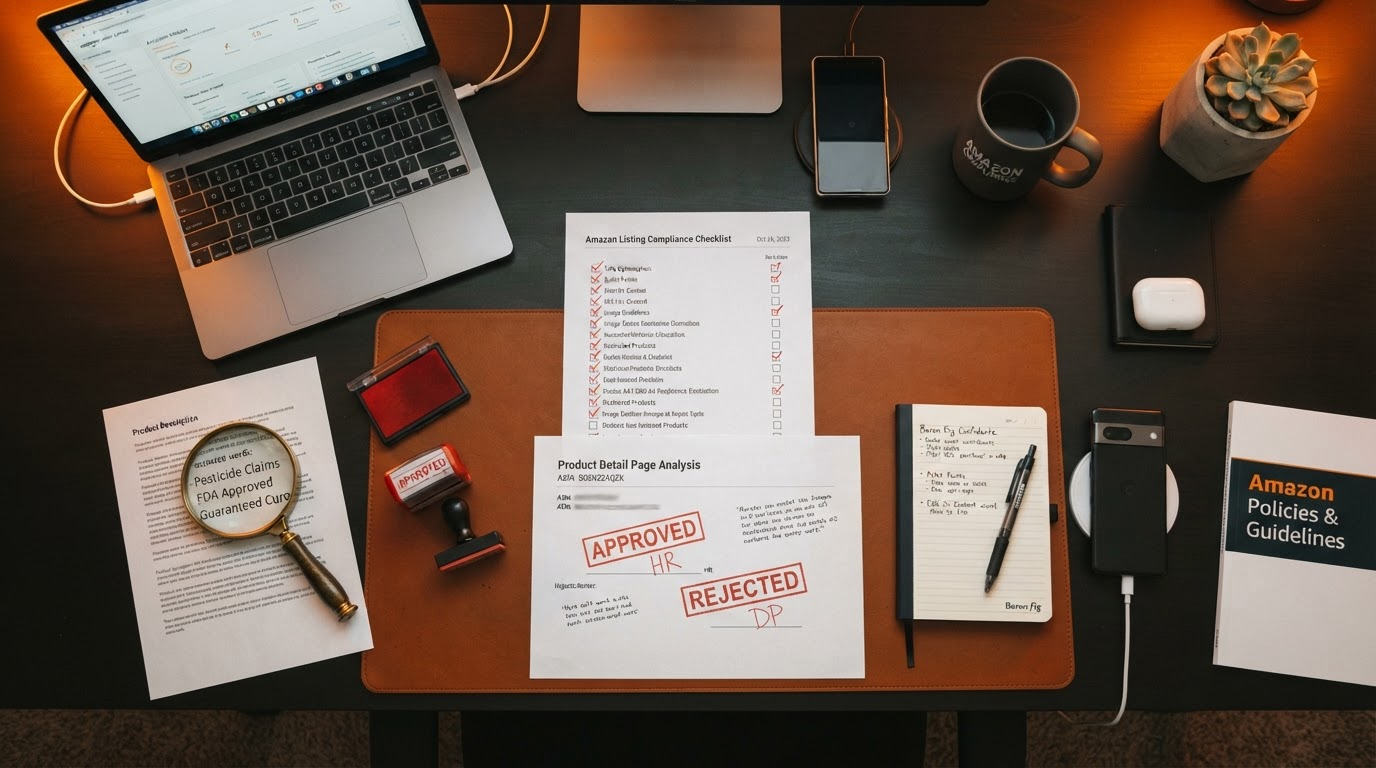
Amazon Premium A+ content Rejection Reasons: 12 Compliance Rules to Ensure Fast Approval
The Frustrating Reality of Premium A+ content Rejections
Imagine this: You've poured hours into crafting stunning Premium A+ content—high-res images, compelling modules, bullet-proof copy—only to see it bounced back with a vague rejection notice. Your heart sinks. Sales stall. Competitors surge ahead with their approved visuals. Sound familiar? You're not alone. Thousands of Amazon sellers wrestle with premium a+ content approval every month, battling opaque Amazon A+ content guidelines that feel like a moving target. Premium A+ content modules command center.
Amazon's Premium A+ content (now enhanced A+ content for Brand Registry owners) is a powerhouse for boosting conversions—up to 5-10% lifts in some cases—but rejection rates hover stubbornly high. Why? Amazon's algorithms and human reviewers enforce strict Amazon A+ content compliance to protect buyers, maintain marketplace neutrality, and avoid legal pitfalls. One slip, and your submission joins the rejection pile. But here's the good news: armed with the right knowledge, you can sidestep these traps and secure fast approval.
Related reading: A+ Content best practices and complete guide to Premium A+ content requirements.
Why Amazon Rejects Premium A+
Rejections stem from Amazon's zero-tolerance policy on anything that could mislead buyers, promote competitors unfairly, or violate platform rules. Common culprits include promotional hype, external traffic funnels, and visual glitches. Reviewers scan for premium a+ rejection reasons like a hawk: subjective claims, forbidden links, or even pixelated images. The result? Automated flags or manual holds, delaying your launch by days or weeks.
Understanding these triggers isn't just about compliance—it's your edge in a crowded marketplace. Premium A+ content lets you replace bullet points with immersive modules, but only if it passes muster. Let's dive into the 12 rules that trigger most rejections, straight from Amazon's playbook.
The 12 Rules That Trigger Rejection
1. Comparative Disparaging Claims
Amazon flags phrases like "better than Brand X" or "unlike inferior competitors." These violate neutrality by trash-talking rivals. Fix: Stick to your product's objective features—"lightweight design" instead of "lighter than others." Proofing tip: Search your copy for "vs.," "better than," or competitor names; replace with self-focused benefits.
2. Warranty/Guarantee Language
No "100% satisfaction guaranteed" or "lifetime warranty"—these imply seller promises outside Amazon's A-to-Z protection. Amazon wants buyers relying on their system. Fix: Use "Amazon's 30-day return policy applies" or describe materials without guarantees. Proofing: Scan for "guarantee," "warranty," "risk-free"; rephrase to features like "durable construction."
3. Restricted Superlatives
Words like "#1," "best-selling," or "world's greatest" scream hype without proof. Amazon bans unsubstantiated boasts. Fix: Opt for "popular choice" or back claims with Amazon data (e.g., "Amazon's Choice"). Proofing: Hunt superlatives—"best, top, ultimate"; swap for specifics like "5-star rated by 1,000+ customers."
4. QR Codes/External Links
QR codes or URLs driving traffic off-Amazon? Instant rejection. They undermine the closed ecosystem. Fix: Remove all; use internal Amazon features like video uploads. Proofing: Visually inspect images and text—no scannable codes or links. Test print a page to spot hidden ones.
5. Trademark Infringement
Using rival logos, fonts, or branded terms without permission flags IP violations. Fix: Audit visuals and copy—your brand only. Proofing: Run images through reverse search; check text against competitor trademarks via USPTO.
6. Pricing/Time-Sensitive Language
"Limited time offer" or price mentions manipulate urgency. Amazon controls promotions. Fix: Focus on evergreen value—"versatile for daily use." Proofing: Eliminate "sale, discount, now, hurry"; emphasize benefits timelessly.
7. Low-Res Images
Blurry, stretched, or under 1000px images get dinged for unprofessionalism. Fix: Use 2000px+ at 300 DPI, proper ratios. Proofing: Zoom in 200%—crisp edges? Compress smartly with TinyPNG.
8. Repetitive Content
Duplicate modules or bullet echoes bore reviewers. Fix: Vary phrasing, use unique angles per module. Proofing: Read aloud—does it flow fresh? Use tools like Copyscape for self-dupe check.
9. Misleading Claims
"Cures pain" without FDA backing? No go. Fix: Evidence-based only—"supports comfort as per user reviews." Proofing: Fact-check every benefit; cite if possible.
10. Boastful Brand Registry Phrasing
Bragging "As seen on Brand Registry" confuses purpose. Fix: No meta-references; let content shine. Proofing: Strip Amazon/Registry mentions entirely.
11. Profanity/Offensive Symbols
Swears, hate symbols, or edgy humor? Out. Fix: Clean, family-friendly tone. Proofing: Sensitivity read—offended anyone?
12. Formatting Violations
Broken modules, overflow text, wrong fonts. Fix: Preview in Seller Central; adhere to templates. Proofing: Mobile/desktop test every module.
How to Appeal a Premium A+ content Rejection
Rejection isn't final. In Seller Central, edit your content, note fixes, and resubmit. For stubborn cases, contact Seller Support with specifics: "Removed superlatives per guidelines." Track via case ID. Most appeals sail through if compliant—patience pays.
Pro tip: Document changes with screenshots for your records.
Secure Approval: Review Before You Upload
Don't let premium a+ rejection reasons derail your strategy. Use the Premium A+ content Forge compliance desk to flag risky language before upload. Our AI scans for all 12 violations, suggests fixes, and green-lights your content for premium a+ content approval. Review before you upload—it's the seller's mantra for frictionless Amazon A+ content compliance.
Sign up today, submit your draft, and watch approvals roll in. Your listings deserve to shine.